
Lesson
Devices & Networks
Summary
A cracked phone screen isn't the only way your device betrays you — unencrypted Wi-Fi and outdated software leave the door wide open for scammers. This lesson explores malware, network attacks, and the everyday habits that keep devices and data secure.
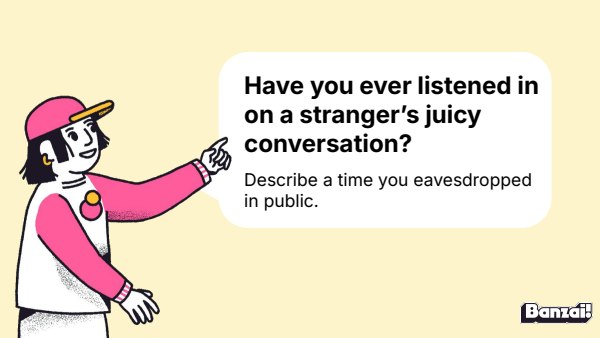
Bellringer: Overheard Conversations
- Ask students to recall a time they overheard a stranger's personal details in public
- Invite a few volunteers to share their stories briefly
Instruction
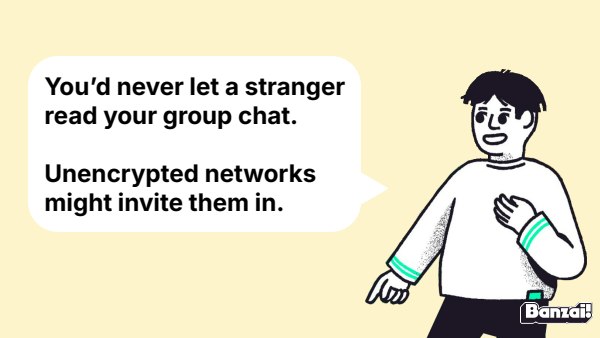
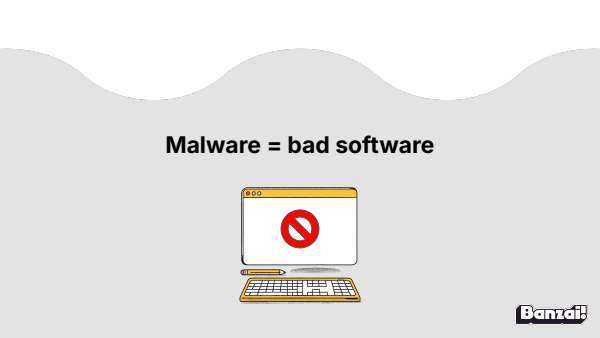
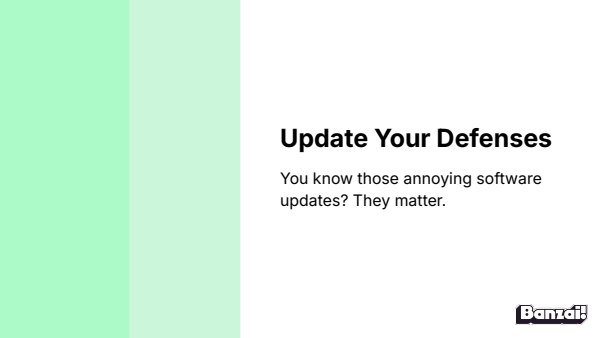
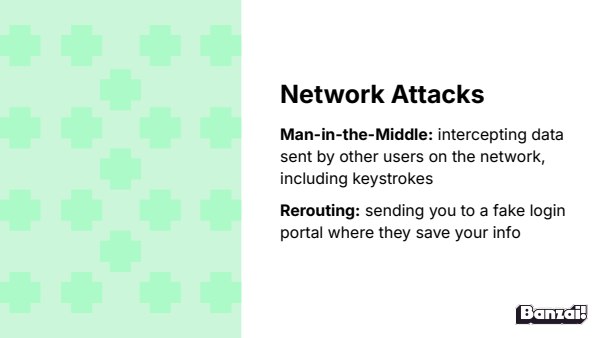
- Walk through encryption, malware, software updates, and network attack types using slides 6-9
- Use the coffee shop scenario on slide 10 to ground the concept of unencrypted Wi-Fi risk
Discussion: Is Public Wi-Fi Worth It?
- Present the McDonald's Wi-Fi dilemma and let students debate the trade-offs
- Brainstorm safer alternatives to logging onto free public networks
Activity: Internet Safety & Scam Practice
- Students finish the Internet Safety module started in the previous lesson
- Students complete Scams & Malware practice on pages 7-8 of the Digital Citizenship Workbook
Wrap-Up & Assessment
- Define malware.
- Explain why it's so critical to keep your software updated.
| Est. Time | Activity | Description |
|---|---|---|
| 5 min | Bellringer: Overheard Conversations |
|
| 10 min | Instruction |
|
| 5 min | Discussion: Is Public Wi-Fi Worth It? |
|
| 20 min | Activity: Internet Safety & Scam Practice |
|
| 5 min | Wrap-Up & Assessment |
|
Lesson Prep

Digital Citizenship Workbook
Offline activities about passwords, malware, and digital wellness.

Internet Safety
Students navigate online safety scenarios involving privacy, phishing, and scams.
Class Presentation
Includes a 15-slide deck with teacher notes. Present from Banzai, download a PDF, or copy it to Google Slides.

Presentations, Ready to Go
- Built-in PresentationPresent full screen, straight from Banzai
- Copy to Google SlidesMake an editable copy for your class
- Download or PrintSave as a PDF or print
- Teacher NotesSlide-by-slide guidance, printable as one handout
Unit 2: Internet Safety

Safe Online Interactions
Online friends aren't real friends—they're strangers wearing a friendly filter. Explore how predators manipulate trust through flattery and secrecy, and learn the simple steps to block, document, and report unsafe behavior.

Devices & Networks
A cracked phone screen isn't the only way your device betrays you — unencrypted Wi-Fi and outdated software leave the door wide open for scammers. This lesson explores malware, network attacks, and the everyday habits that keep devices and data secure.

What You Agreed To
Nobody reads the Terms of Service, but that giant wall of text is where you sign away more than you think. Explore what's actually inside those agreements, why 'free' apps are never really free, and how to protect your data without losing access to the tools you love.
How do Banzai lesson plans work? See the FAQ.